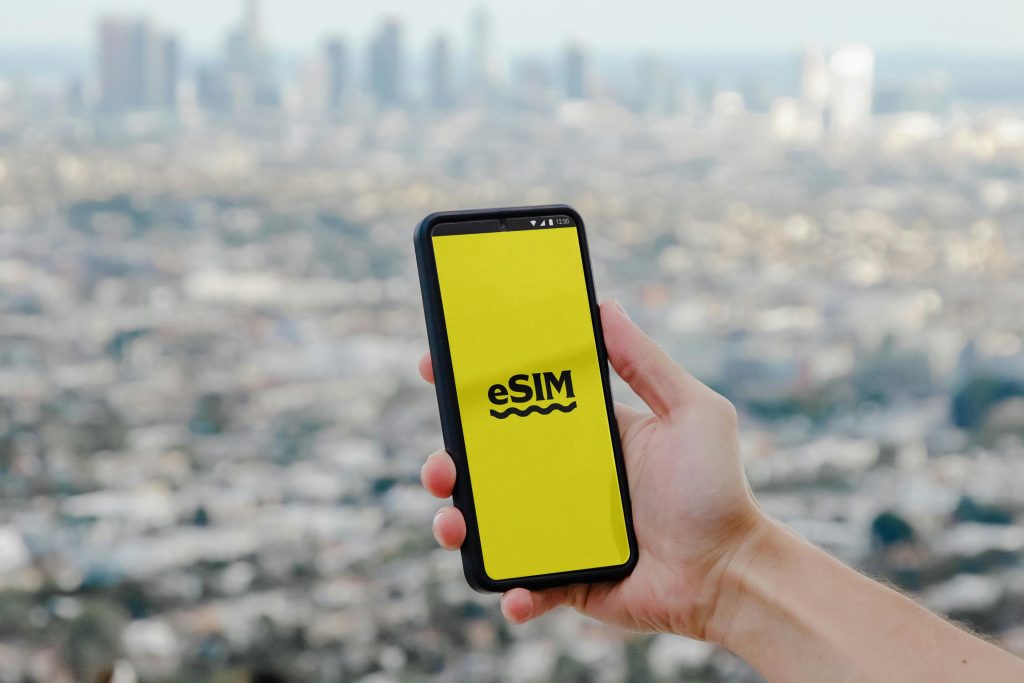

The way we connect to mobile networks is changing. For decades, the small plastic SIM card was the only way to activate a phone line. But as we move through 2026, Ethiopia is rapidly embracing a digital-first approach with eSIM (Embedded SIM) technology.
Whether you are using Ethio Telecom or Safaricom Ethiopia, switching to an eSIM can simplify your life, improve your security, and give you more flexibility. In this MadoTip guide, we explain what an eSIM is, why it’s better than a physical card, and how you can activate it today.
1. What is an eSIM?
An eSIM is a digital version of the traditional SIM card. Instead of a removable plastic chip, the SIM functionality is embedded directly into your smartphone’s hardware at the factory.
Think of it as a “programmable chip.” You don’t need to physically swap cards to change numbers or providers; you simply download a digital profile onto your phone.
2. Why Should You Switch to eSIM in Ethiopia?
In 2026, the benefits of eSIM go far beyond just “not losing your SIM card.” Here is why it’s a game-changer:
-
Dual SIM Capability: Most modern iPhones and flagship Androids only have one physical SIM slot. An eSIM allows you to have a second (or even third) number active on the same device—perfect for separating work and personal calls.
-
Enhanced Security: If your phone is stolen, a thief can easily remove a physical SIM card to stop you from tracking the device. An eSIM cannot be removed, making it much easier to locate your phone via “Find My” services.
-
Instant Activation: You no longer need to wait in line at a shop just to get a piece of plastic. You can receive your QR code via email or WhatsApp and activate your line in minutes.
-
Travel Convenience: For those traveling outside Ethiopia, you can download international data plans (like Airalo or Nomad) alongside your local Ethio Telecom/Safaricom line without ever opening your SIM tray.
3. Which Devices Support eSIM in 2026?
Not all phones are eSIM-compatible. Generally, flagship and high-end mid-range phones from the last 4-5 years support it.
MadoTip Fact: To check if your phone is compatible, dial
*#06#. If you see an EID number listed, your phone supports eSIM!
4. How to Activate eSIM in Ethiopia: Step-by-Step
Activation is simple, but it does require a stable Wi-Fi connection during the setup process.
Step 1: Request Your eSIM
Visit an Ethio Telecom or Safaricom Ethiopia service center. In 2026, many providers also allow you to request an eSIM through their official apps or website. You will be provided with a unique QR Code.
Step 2: Access Your Settings
-
For iPhone: Go to Settings > Cellular > Add eSIM.
-
For Android: Go to Settings > Connections > SIM Manager > Add eSIM.
Step 3: Scan the QR Code
Your phone’s camera will open. Simply scan the QR code provided by your carrier. Your device will automatically download the network profile.
Step 4: Finalize Setup
Once the download is complete, you can name your SIM (e.g., “Personal” or “Business”) and choose which one to use for data and calls.
5. Important Considerations & Costs
-
Pricing: In Ethiopia, the cost of an eSIM is usually the same as a physical SIM (around 50–100 ETB). If you are swapping your existing physical SIM for an eSIM, it is often free or carries a very small service fee.
-
The “One Phone” Rule: An eSIM profile is locked to the specific device you activated it on. You cannot “move” it to another phone just by scanning the same QR code again; you will usually need a new code from your provider.
-
Factory Resets: If you decide to wipe your phone (Factory Reset), remember to select “Keep eSIMs” so you don’t lose your phone line during the process!
Conclusion: The End of the Physical SIM Era?
The physical SIM card isn’t dead yet, but its days are numbered. With the convenience of instant activation and the security of a non-removable chip, eSIM is the clearly superior choice for the modern Ethiopian user in 2026.